删除 macOS 终端在粘贴时带的 00~和 01~的解决办法
macOS 终端在粘贴复制的东西的时候,会在内容的开头加上 00~,在内容的最后加上 01~,删除带东西的方法:
方法一:
终端里面运行:
printf '\e[?2004l'
方法二:
如果使用的是 zsh,可以运行:
unset zle_bracketed_paste
方法三:
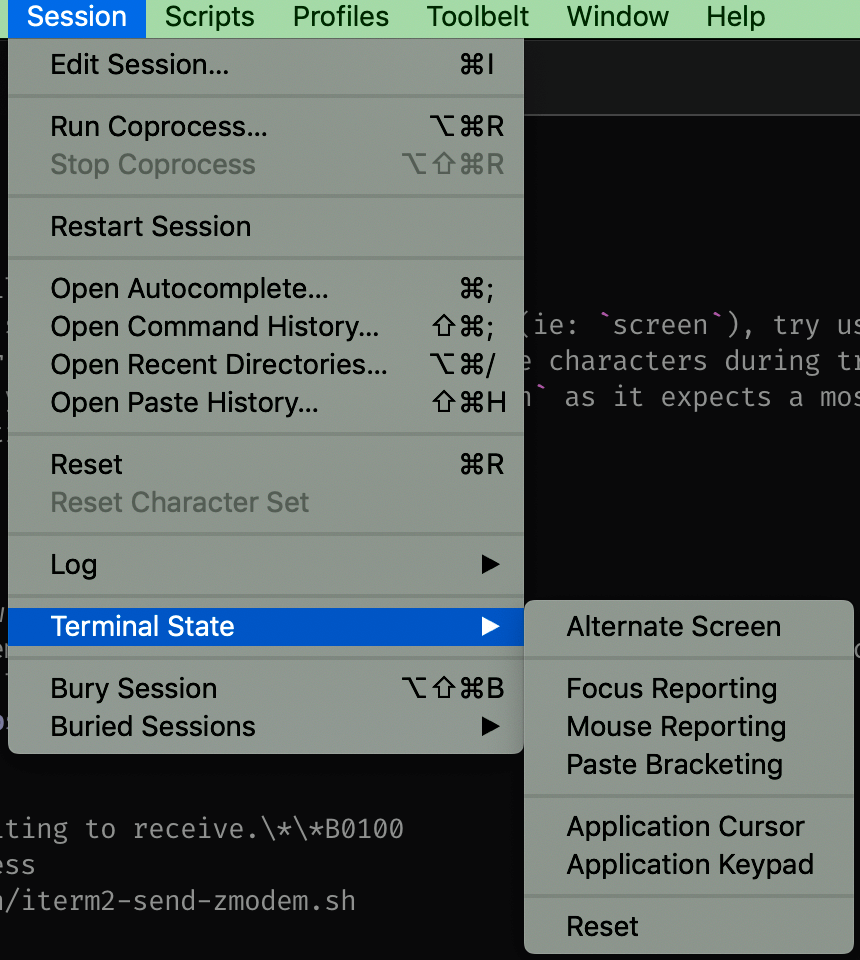
如果使用的是第三方的客户端,找到 Paste Bracketing 的设置,关闭即可。
参考链接:
https://apple.stackexchange.com/questions/334247/bracketed-paste-mode-in-terminal-app
回复